
Description
Revitalize your iPhone 15 Plus with the JK Incell LCD Screen, designed for performance and durability. This top-notch replacement screen features INCELL FHD technology that offers stunning visuals and responsive touch capabilities. With a resolution of 900 x 1951, your images will come to life with vibrant colors.
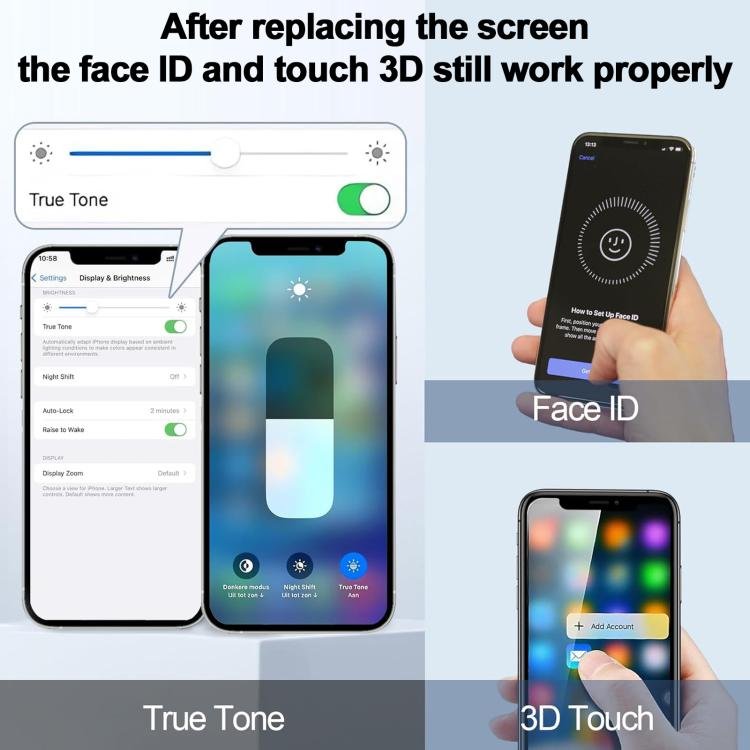
The screen boasts a remarkable brightness of 750 cd/m² and a color temperature of 6800K, ensuring exceptional clarity and comfort for your eyes. Thanks to its True Tone display and wide color gamut, this LCD screen adjusts seamlessly to any lighting, delivering a natural viewing experience.
Key features include:
- Touch Control 120Hz for fluid interactions
- High wear resistance for longevity
- Low power consumption to enhance battery life
Replace your old or damaged screen with the JK Incell LCD Screen to restore your device to its former glory, making it look fresher than ever. It is meticulously checked for quality, ensuring that you receive a product that fits and works flawlessly.
Installation Tips:
- Test the screen before installation while keeping protective films intact.
- Use an ESD strap to avoid static electricity damage during installation.
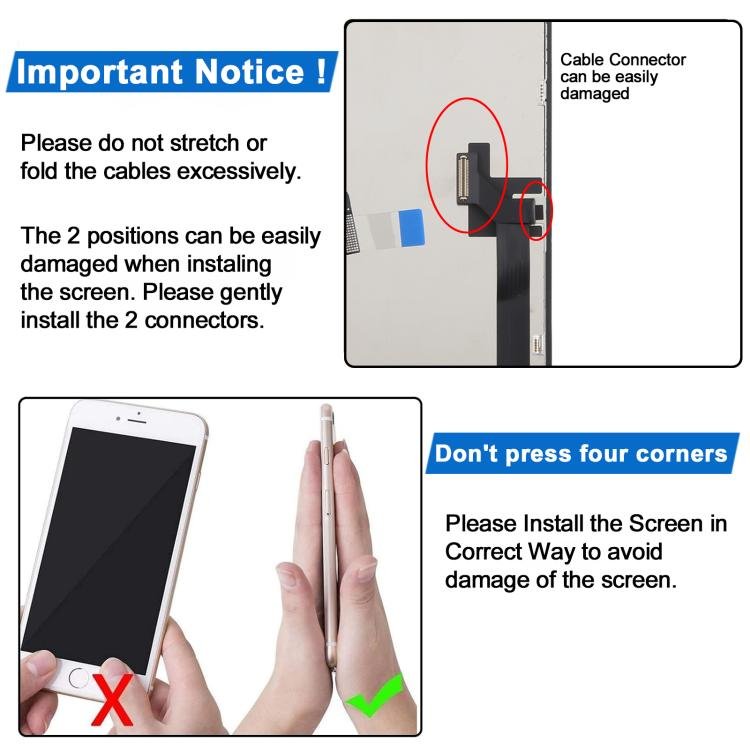
- Do not over-bend the cable to prevent display issues.
Professional installation is highly recommended, and we are not responsible once the screen is installed. Create a better viewing experience for your iPhone 15 Plus today!
| General |
|
| Package Weight |
|
LCD Screen Features
Specification:
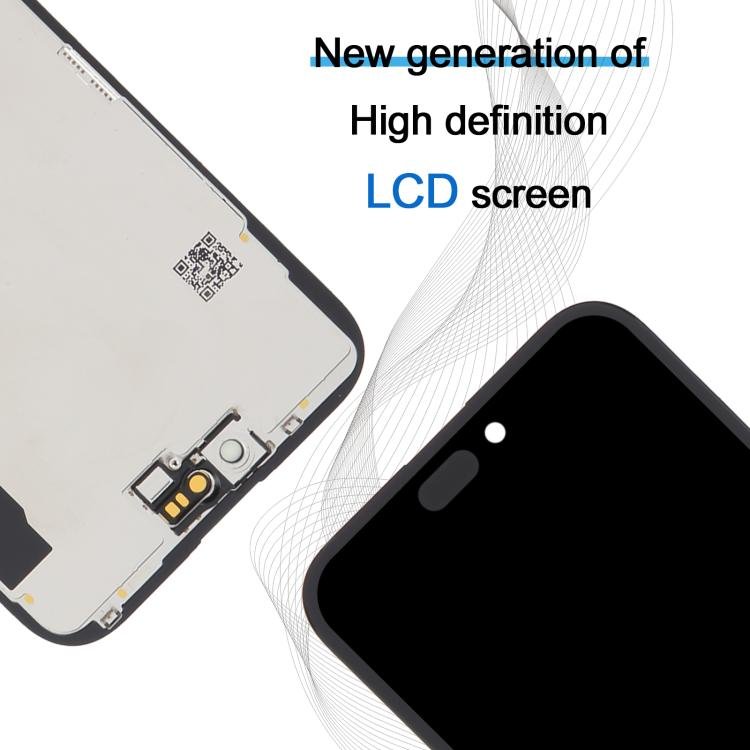
1. Display Type: INCELL FHD
2. Resolution: 900 x 1951
3. Color Temperature(k): 6800
4. Brightness(cd/m2): 750
5. IC Removable: Yes
6. True Tone: Yes
Features:
1. Touch Control 120Hz
2. True Tone display
3. High wear resistance
4. Wide color gamut display
5. Low power consumption
About the product
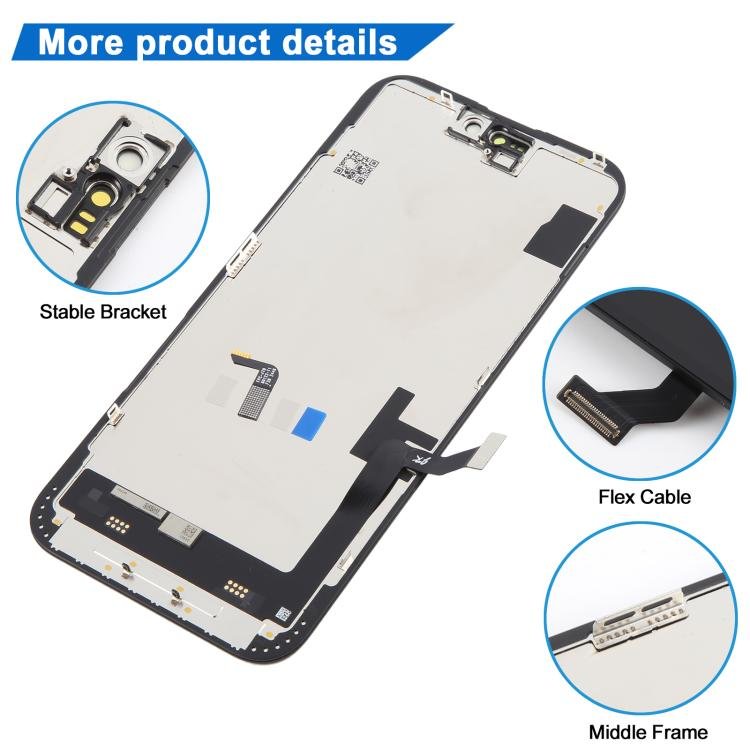
1. Replacement LCD display + touch screen digitizer assembly (incell Material) for iPhone 15 Plus.
2. Replace the old, broken, cracked, damaged one.
3. Make your device look more refreshing than ever.
4. Completely fit and work.
5. Each item has been checked and in good condition before shipping.
6. Professional installation is highly recommended. We will not be responsible once the screen is installed.
Before Installation Notes
1. Tips 1: Test before installation
When testing, do not remove any protective film or tags. Please pay attention to the problem of static electricity.
Before attempting any repair, be sure to ground yourself is an ESD (electro static discharge) strap. This will prevent static electricity from damaging the electronic components within the phone.
Ensure you wear eye protection and use caution not to cut your finger with the glass splinters.
2. Tips 2: Simulates testing
Screen replacement is very fragile product. We strongly suggest test before installation. Please simulates testing, which means mobile phone apart, (motherboard + LCD or screen) connected audio cable and new replacement, power on, test finished. If test OK, please install it. If it can not show, please contact us at the very first time. And please do not force it to be installed in mobile phone. We will not be responsible once the screen is installed.
3. Tips 3: Do not over-bend cable
Please make sure LCD cable Do not over-bend. Over 90 degrees bent will cause black display.








Reviews
There are no reviews yet.